Problem:
When deploying an ARM template in a DevOps pipeline, you may at some point need to provide a secure string to your deployment. This could be a virtual machine password or some other secret. Ideally you’d reference a Key Vault secret but depending on your security and network requirements, maybe that’s not a viable option.
Solution:
Follow the steps below to setup a secure variable and integrate it into your ARM template deployment:
- Open your pipeline in DevOps
- Click the Edit button to edit your pipeline

- Click on Variables from the top navigation menu

- Click the Add button

- Input the name of the variable; i.e. Password

- Click the lock icon so it appears locked; this makes the variable secure for passwords
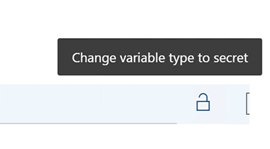
- Add the secure value

- Click on the Save option under the “Save & Queue” menu
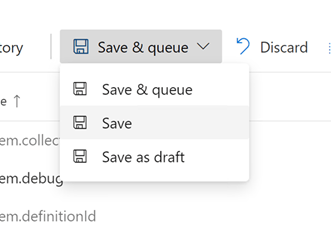
- Click Save again

- Click on Tasks from the top navigation menu

- Click on the “Azure resource group deployment” task to edit the task
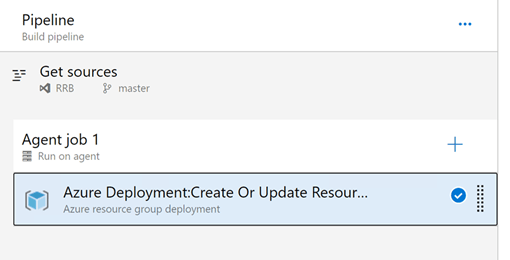
- Click on the ellipsis to the right of the “Override template parameters” input field

- Next to the VM password variable, input the name of the secure variable surrounded by “$(“ in the front and “)” in the back; i.e. $(Password)
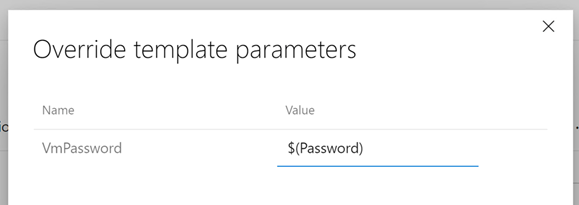
- Click OK

- Click on Save & Queue from the “Save & Queue” menu

- Click on the Save & Queue button in the popup window

 Jason Masten